
Start with the gathering
Set its purpose, place, size, mood and authority presence. Show why people came and what they believe is happening.
Encounters & challenges
Read the gathering.
Follow its mood.
Give players choices.

A living public scene
Prepare recognisable groups, changing moods, believable movement and choices for the players.
Set its purpose, place, size, mood and authority presence. Show why people came and what they believe is happening.
Give players visible cues, people to approach and routes through the space. Prepare ways to calm, redirect, protect or disperse the crowd.
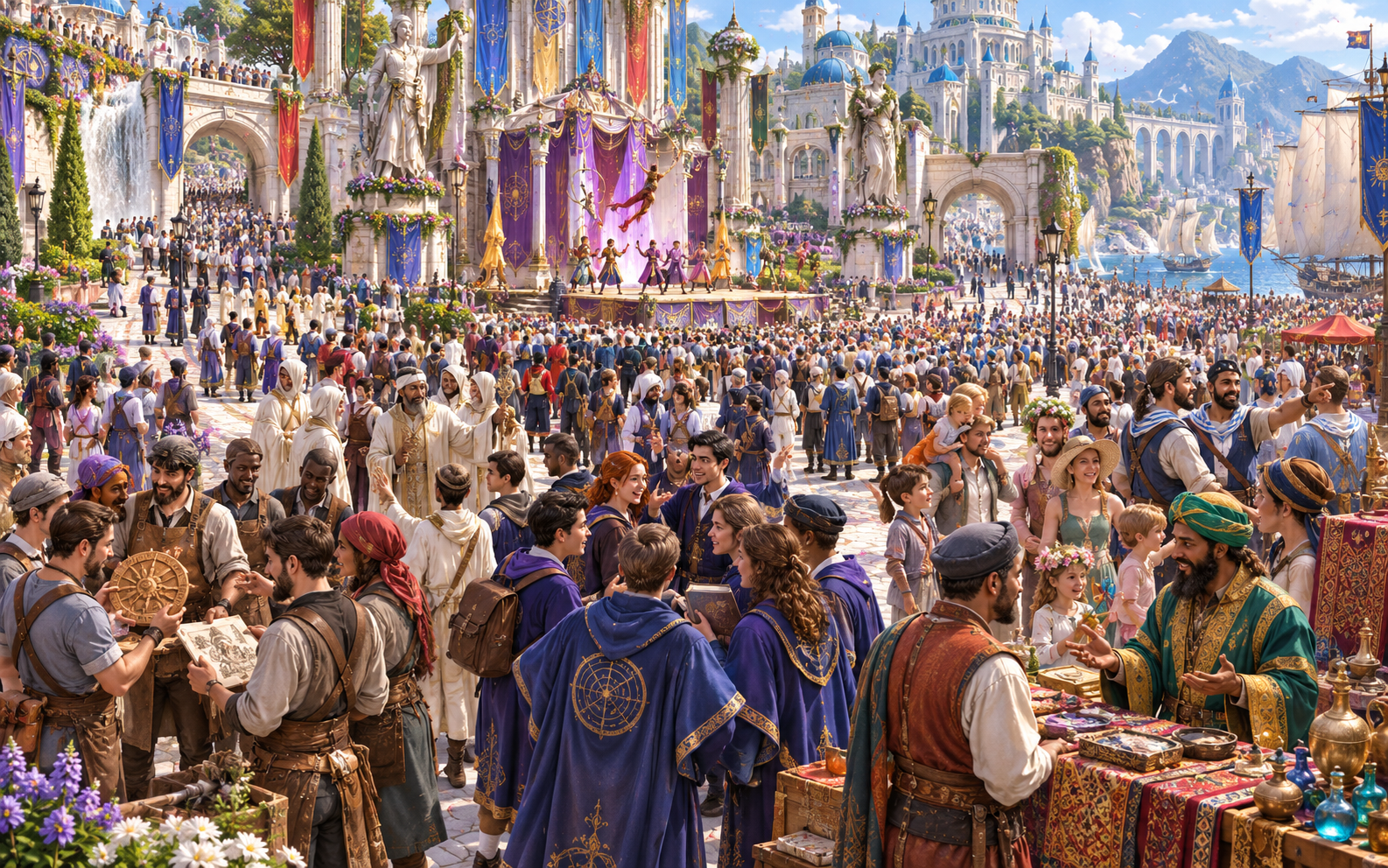
Subgroups, leaders and motives
Build a festival audience or another public gathering from distinct subgroups. Give each one a leader, mood, belief and visible concern.
Different hopes and worries help you describe the people inside the mass. Show whom players can approach and what each group wants from the scene.
What you can prepare
Build a clear crowd guide and refine the details that matter to this session.
Choose a festival, protest, evacuation or public spectacle. Set purpose, size, mood, environment and authority presence before refining the scene.
Show why each group came, who leads it, what it believes and what concerns it. Give the players people to approach within the larger gathering.
Prepare movement zones, exits, bottlenecks, stages and safe areas. Show where groups can move and where pressure can build.
Bring excitement, fear, rumours and misinformation into view. Describe the cues players can recognise as different groups interpret events.
Create three to six flashpoints alongside escalation paths. Consider authority posture, agitation and panic thresholds when refining the scene.
Prepare de-escalation paths, negotiation leverage and dispersal methods. Give players choices to calm, redirect, protect or disperse the gathering.
Refine density, demographics, factions, weather, alcohol, agitators, infiltrators, chanting and the triggering event. Choose the details your session needs.
Lock established groups and rebuild the parts that need another pass. Edit groups, mood, rumours and movement, with undo and redo in the workspace.
Save crowds to your account library, keep versions, reopen results and rename or duplicate a scene. Add tags and notes for later sessions.
Copy the DM guide or player-known cues, download JSON or print. Export selected hostile groups and a ringleader for optional inactive Combat PRO preparation.
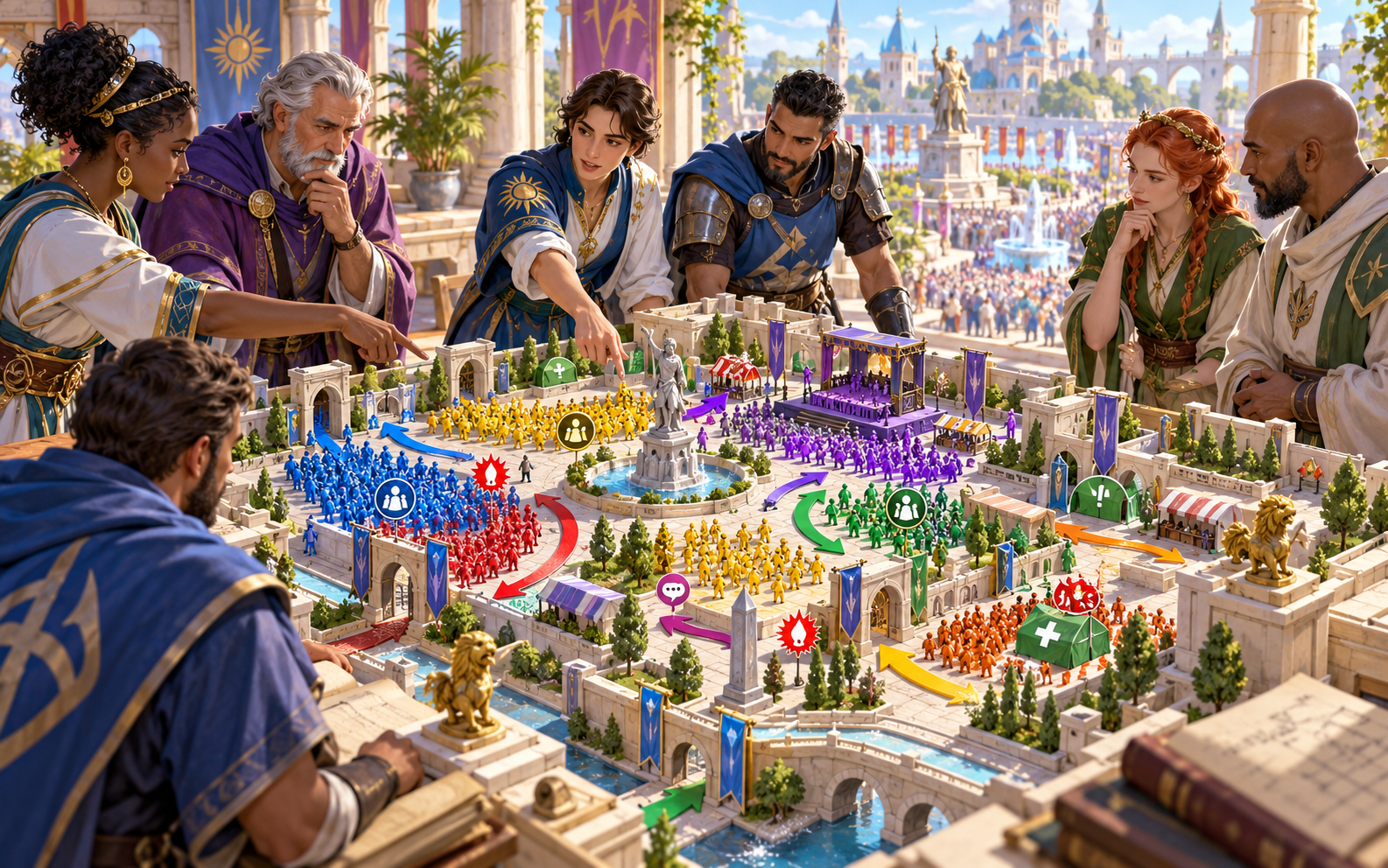
Movement zones and changing moods
Choose purpose, size, mood, environment and authority presence. Prepare subgroups, leaders, movement zones, rumours and three to six flashpoints.
Refine exits, bottlenecks, fear, misinformation and negotiation leverage. Lock stable groups and rebuild what needs another pass, keeping player cues in view.
Quick setup. Deeper preparation.
Keep motives, movement and player options easy to read as the gathering changes.
Set purpose, size, mood, environment and authority presence. Generate groups, leaders, movement, rumours, flashpoints and escalation or de-escalation paths.
Refine density, demographics, factions, alcohol, fear, weather, agitators, infiltrators, chanting and the triggering event.
Consider exits, bottlenecks, stages and safe areas. Review panic and casualty risks as part of the fictional scene and prepare ways to protect people.
Lock useful groups, rebuild selected material and adjust mood, rumours or movement. Use editing, undo and redo while refining the guide.

De-escalation, dispersal and aftermath
Prepare readable cues and practical options for calming, redirecting, protecting or dispersing the gathering. Consider negotiation leverage and how authorities respond.
Describe the resolution and aftermath once the pressures ease. Keep the wider crowd and its movement in the scene even when selected hostile groups need separate encounter preparation.
Saved scenes and table references
Reopen useful scenes and choose the material you need at the table.
Save crowds through your account and keep versions. Reopen a scene, rename it or duplicate a useful variation for another setting.
Add tags and notes. Refine groups, mood, rumours and movement within the same desktop workspace.
Copy the complete DM guide or the cues players can recognise. Review the chosen material before sharing it.
Download the finished scene as JSON or print the selected version. Keep the gathering, movement and de-escalation options together.
Your desktop and encounter workspace
Keep the public scene visible while handling hostile groups separately when needed.

Open your VISINVOKE products through one signed-in Windows desktop workspace.
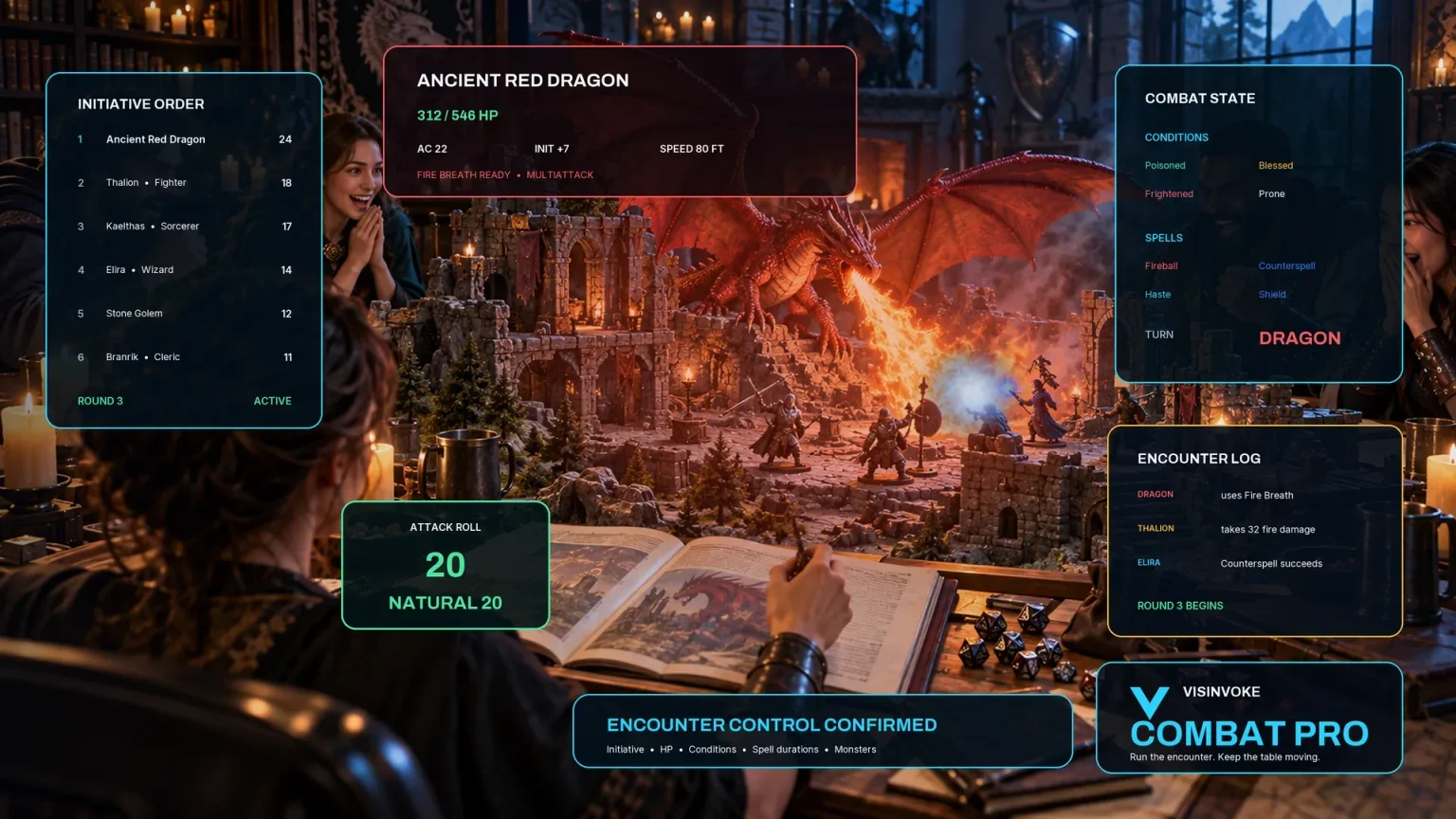
Export selected hostile groups and a ringleader as JSON for optional inactive encounter preparation. The wider crowd stays in this generator.
Artwork illustrates fictional crowd scenes and related products, not application screens.
Questions and answers
Groups, player choices, exports and account access at a glance.
Prepare a festival, protest, evacuation or public spectacle. The generator concentrates on the groups, leaders, movement, rumours, flashpoints and de-escalation within that gathering.
Break it into distinct subgroups with reasons for attending, leaders, beliefs, moods and visible concerns. Add movement zones, exits and bottlenecks so players can read the space.
Yes. Prepare paths for calming, redirecting, protecting, negotiating with or dispersing the gathering. Review the visible cues, authority posture and pressures shaping the scene.
Export selected hostile groups and a ringleader as JSON for optional Combat PRO preparation. The encounter remains inactive; the wider crowd, movement, rumours and safety risks stay in this generator.
Save crowds in your account library, retain versions, rename or duplicate results and add tags or notes. Copy the full DM guide or player-known cues, download the finished scene as JSON or print a selected version.
Use the Generators collection in Desktop Control Centre on Windows through your VISINVOKE account. Review individual subscription access and current pricing in your account. A free account is separate from paid generator access.
Continue in VISINVOKE
Create a free VISINVOKE account or sign in to your existing account. Get Desktop Control Centre through your account installer page.
Open the Generators collection on Windows. Review current subscription and access details in your account.